10 common robots.txt errors sabotaging your GEO score
Your website may be perfect in content, but if AI crawlers can't get through the front door, you simply don't exist. An incorrectly configured robots.txt file is the most common technical cause of a low GEO score. In this article, you'll identify ten errors that are silently undermining your AI visibility, including the direct fix for each error.
Why robots.txt determines your AI visibility
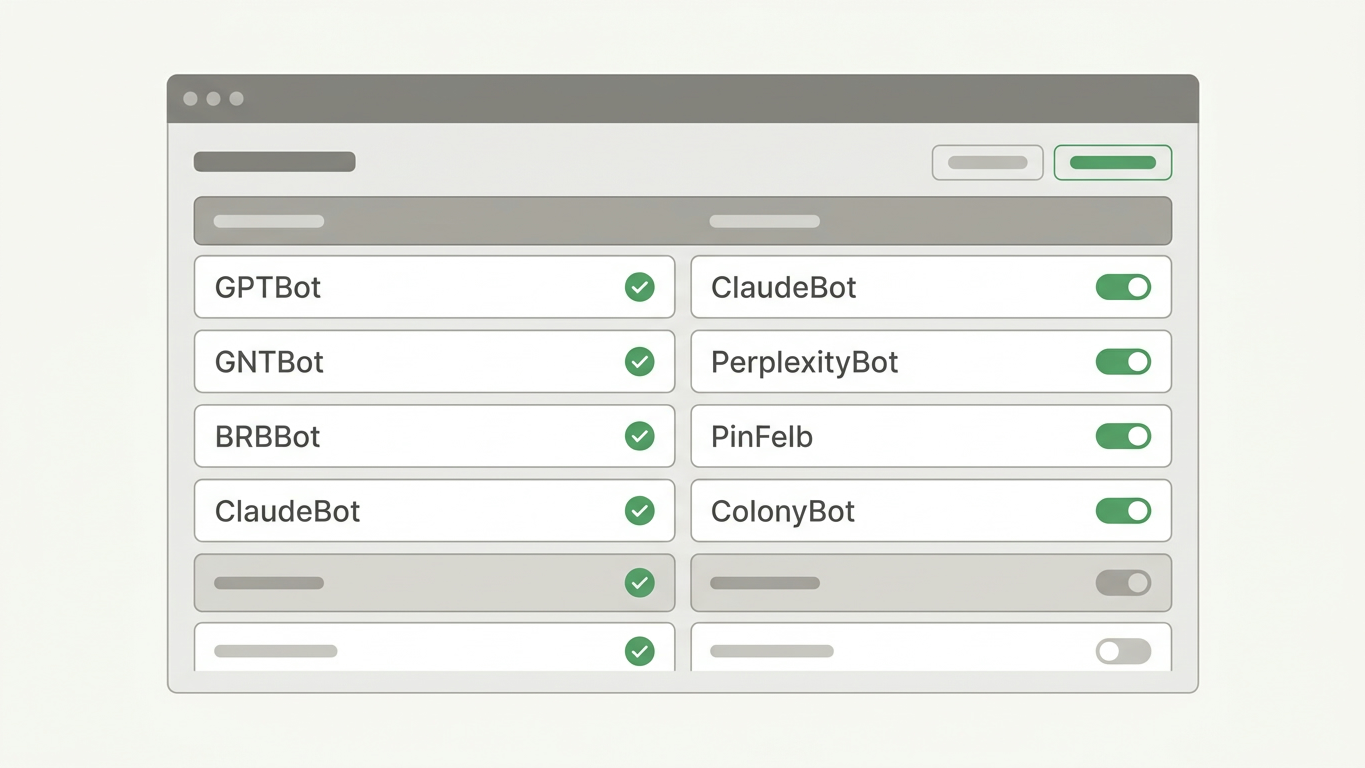
The robots.txt file acts as the gatekeeper of your website. It tells crawlers from Google, OpenAI (GPTBot), Anthropic (ClaudeBot), and Perplexity which pages they may visit. A single incorrect rule can render your entire site invisible to AI engines.
The difference from classical SEO is crucial: with traditional search engines you miss rankings, but with Generative Engine Optimization (GEO) you miss the chance to be cited in AI answers at all.
The checklist: 10 errors you can fix today
Error 1: Blocking all AI crawlers with Disallow
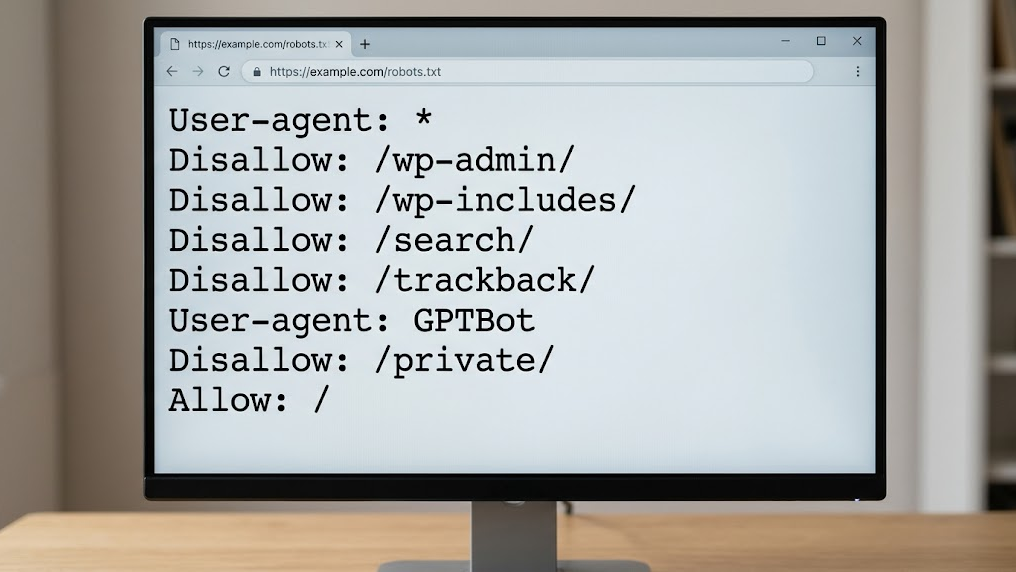
The most destructive error is a wildcard block of all bots. Rules such as User-agent: * / Disallow: / completely shut out GPTBot, ClaudeBot, and PerplexityBot. Check that your robots.txt doesn't accidentally exclude all crawlers. Allow at least the AI crawlers relevant to your industry.
Error 2: Blocking GPTBot specifically without strategic reason
Many CMS plugins automatically add Disallow rules for GPTBot. If you want to be visible in ChatGPT answers, this is direct sabotage of your GEO score. Check that your security plugins haven't silently added this rule. For a strategic approach to GPT crawler management, consider reviewing our complete robots.txt guide for GPTBot.
Error 3: Not creating separate llms.txt file
The robots.txt file alone is no longer sufficient. An llms.txt file provides AI crawlers with a structured summary of your site. Without this file, you're missing a crucial layer of citability. Think of llms.txt as the instruction card you give AI engines personally.
Error 4: Blocking essential pages via path exclusion
Rules such as Disallow: /services/ or Disallow: /products/ hide the exact pages that AI should cite. Inventory which directories you've excluded and ask yourself: "Do I want AI to be able to answer this?" Only block administrative or privacy-sensitive paths.
Error 5: Blocking CSS and JavaScript for crawlers
Modern AI crawlers increasingly render pages fully. If you block /wp-content/themes/ or JavaScript files, the crawler won't interpret your page correctly. The result: your structured content becomes unreadable and unusable for AI answers.
Error 6: Incorrect syntax or typos in file
A typo in User-agent or a missing colon is enough to invalidate the entire file. Always validate your robots.txt with a parser. A GrowthScope Quickscan detects syntax errors within 2 to 5 minutes.
Error 7: Placing robots.txt file in wrong location
The file must always be at the root of your domain: yourdomain.com/robots.txt. If you place it in a subdirectory, no crawler will find it. This sounds trivial, but it happens regularly during migrations or CMS changes.
Error 8: Conflicting rules without priority
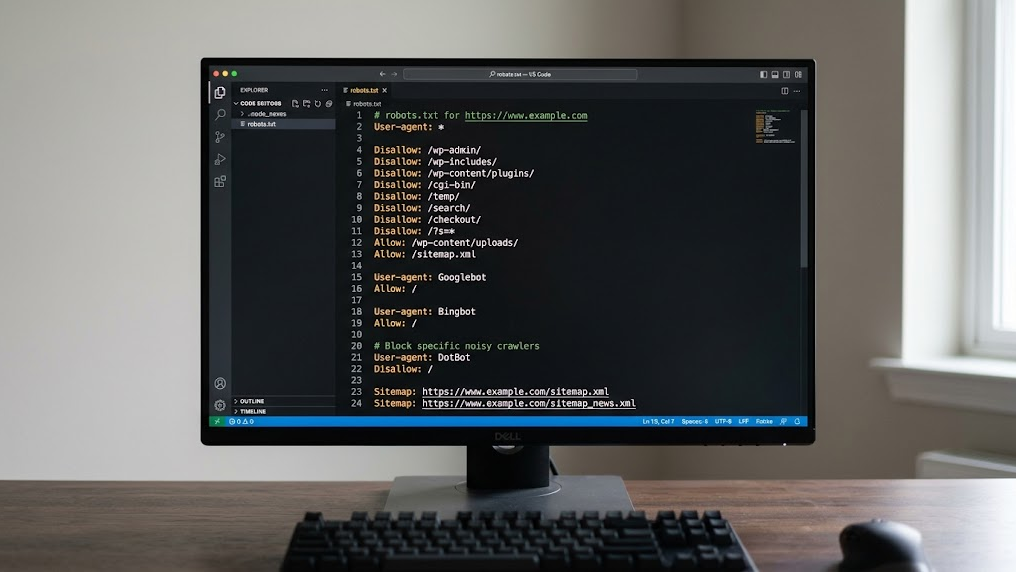
Multiple User-agent blocks with conflicting Allow and Disallow rules cause unpredictable behavior. Crawlers interpret conflicts in different ways. Keep your rules clean and unambiguous.
| Problem | Example | Fix |
|---|---|---|
| Conflicting rules | Allow: /blog/ followed by Disallow: / | Place specific rules above general rules |
| Duplicate User-agent blocks | User-agent: GPTBot twice | Consolidate to one block per crawler |
| Wildcard misuse | Disallow: /*.pdf$ | Test whether the regex does what you expect |
Error 9: Not mentioning sitemap in robots.txt
The rule Sitemap: https://yourdomain.com/sitemap.xml is a direct hint for both search engines and AI crawlers. Without this reference, the crawler must discover your site structure independently. This takes time and leads to incomplete indexing.
Error 10: Not updating robots.txt after site change
After a migration, redesign, or CMS update, your robots.txt is often outdated. New paths aren't added, old blocks remain. Include a robots.txt review as a permanent part of your deployment checklist.
How to detect these errors in one scan
Manually checking all ten points is error-prone and time-consuming. The GrowthScope GEO audit performs a server-side rendering check, robots.txt validation, and llms.txt status check in one automated scan. No account needed, no API keys, no setup.
Don't treat your robots.txt as a static file you created once, but integrate robots.txt validation as a fixed Technical Health KPI in your monthly sprints.
The result is a GEO Readiness Score from 0 to 100 with a developer-ready action plan. You'll immediately see which of these ten errors occur on your site and receive the corresponding llms.txt template as a direct solution.
Make robots.txt a technical KPI
AI engines evolve continuously. New crawlers appear, and existing bots change their behavior. Want to maintain structural control over your AI visibility? Consider quarterly trend tracking to signal shifts in your GEO score early. This prevents an unnoticed configuration error from undermining your competitive position in ChatGPT, Perplexity, Google AI Overviews, and Claude.
Start your GEO audit today and discover within 10 minutes which robots.txt errors are sabotaging your score.
Have questions about technical implementation? Contact the GrowthScope team directly.