Block or Allow GPTBot? The Complete robots.txt Guide for 2026
Why Your robots.txt Is Key to AI Visibility
Every AI engine sends crawlers to your website. GPTBot (from OpenAI), ClaudeBot (from Anthropic), and GoogleBot do it continuously. Your robots.txt determines which of these bots are allowed to index your content and which stay locked out.
That one rule in your robots.txt can be the difference between being mentioned in ChatGPT or Google AI Overviews—or not.
Yet many developers treat this file as a relic from the SEO era. In 2026, robots.txt is no longer a technical detail. It's the gatekeeper of your AI visibility.
What Does GPTBot Actually Do on Your Website?
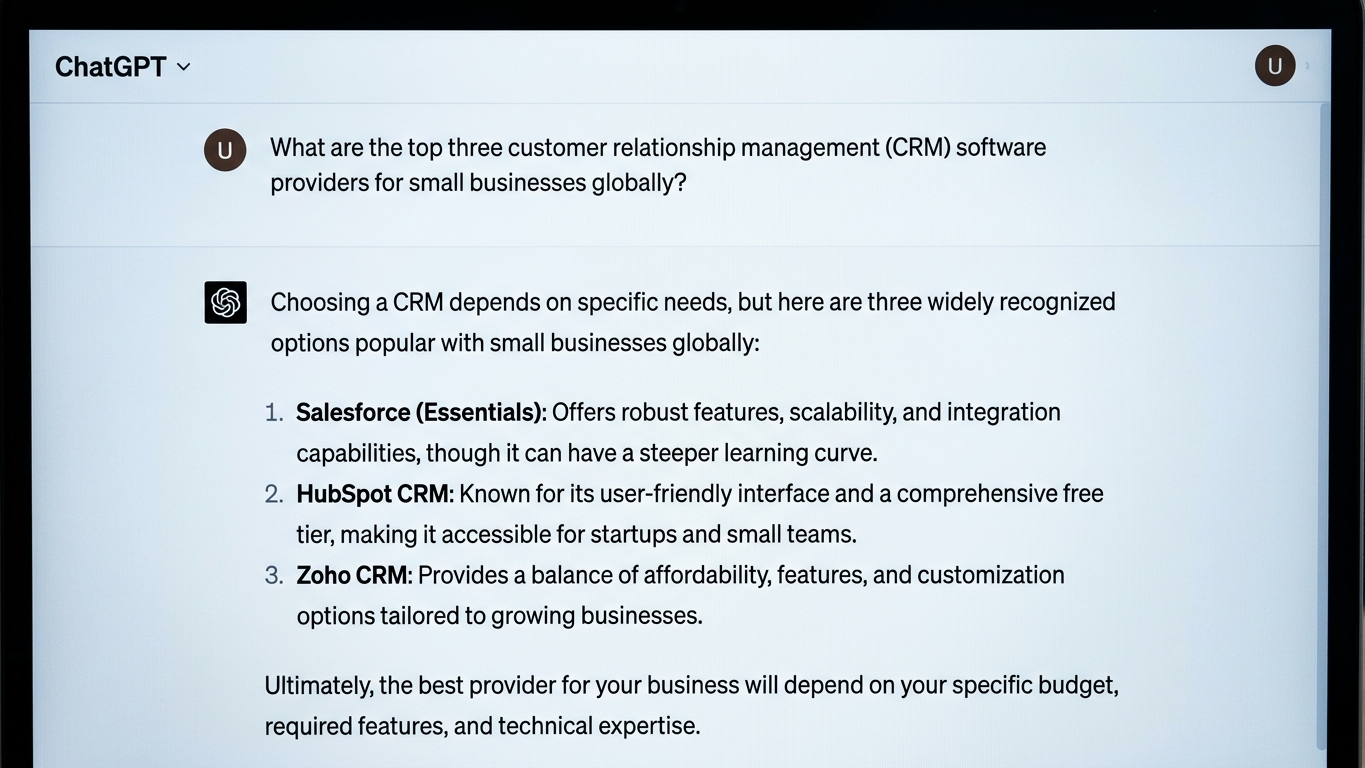
GPTBot is OpenAI's web crawler. This bot visits your pages, reads your content, and uses that information to generate answers in ChatGPT and similar tools. The difference from traditional search engines: GPTBot cites your content directly in an answer, without users having to click through.
That means two things. Your brand can appear as an authoritative source in millions of AI conversations. But if you block GPTBot, your website simply doesn't exist in those answers. There's no middle ground.
Beyond GPTBot, there are other AI crawlers that respect your robots.txt:
- GPTBot (OpenAI, user-agent: GPTBot)
- ClaudeBot (Anthropic, user-agent: ClaudeBot)
- Google-Extended (Google AI Overviews)
- PerplexityBot (Perplexity)
- CCBot (Common Crawl, used by various AI models)
Block or Allow: The Tradeoff for Developers
The choice isn't black and white. You need to decide the right strategy per crawler and per section of your website. Below you'll find the core considerations.
| Factor | Block GPTBot | Allow GPTBot |
|---|---|---|
| AI visibility | No mention in ChatGPT | Brand appears as source in AI answers |
| Content control | Full control over usage | Content can be cited without click-through |
| Competitive position | Competitor takes your position | You claim your spot in AI results |
| Sensitive data | Protected from scraping | Must be shielded via separate disallow rules |
AI answers are zero-sum. If you block GPTBot, you don't disappear from the conversation. Your competitor fills that gap.
How to Configure robots.txt for AI Crawlers in 2026
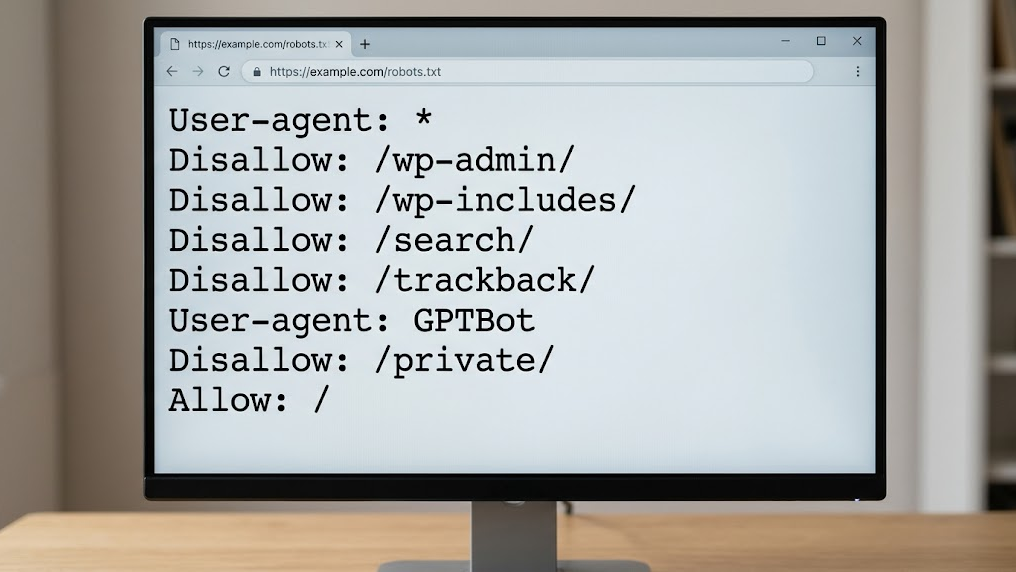
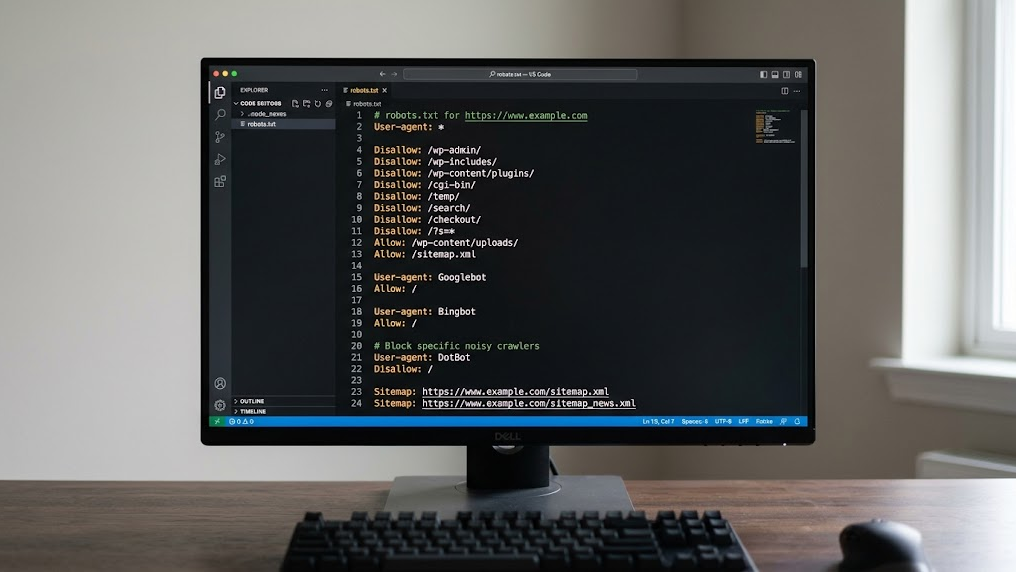
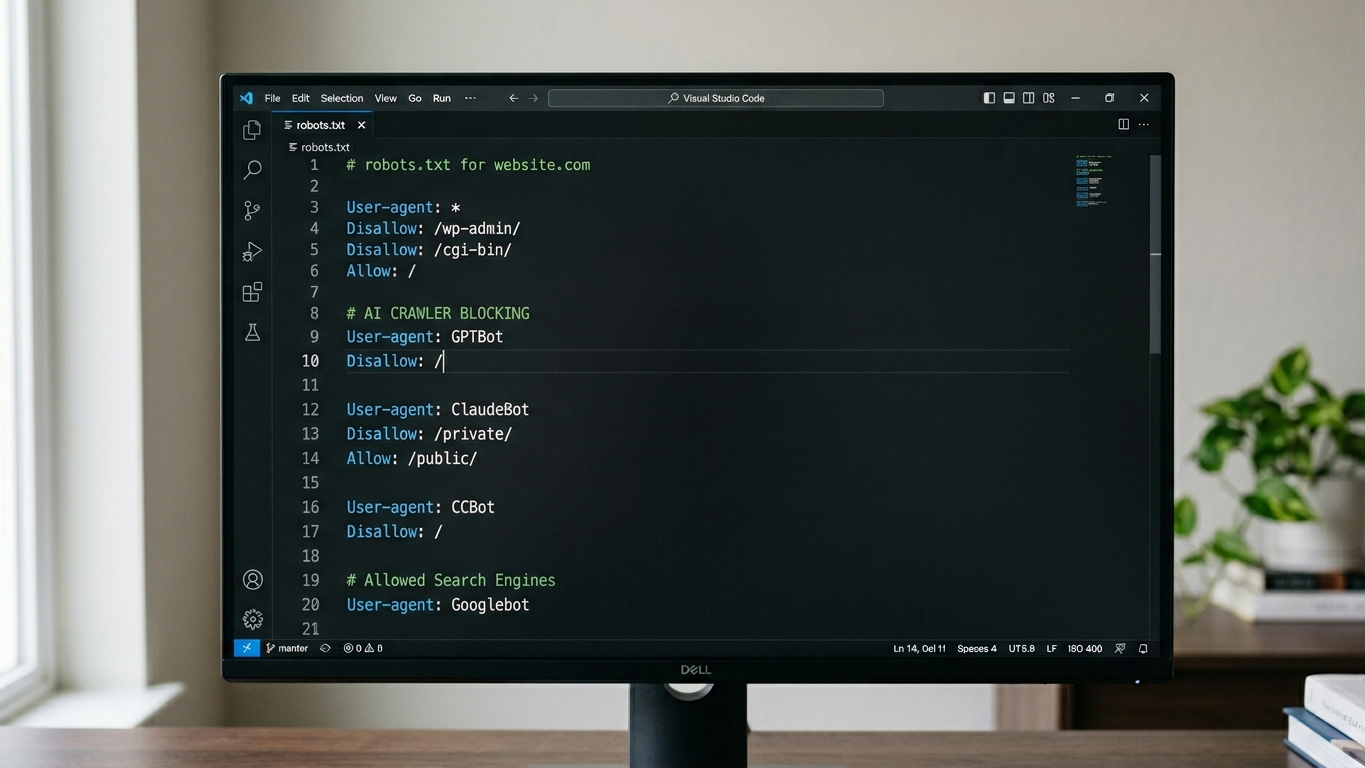
Clean robots.txt configuration for AI visibility starts with deliberate choices per user-agent. Below is a working template you can implement immediately.
Example: Allow GPTBot With Selective Restrictions
User-agent: GPTBot
Allow: /
Disallow: /admin/
Disallow: /customer-portal/
Disallow: /internal-docs/

User-agent: ClaudeBot
Allow: /
Disallow: /admin/

User-agent: Google-Extended
Allow: /

User-agent: PerplexityBot
Allow: /
Example: Completely Block GPTBot
User-agent: GPTBot
Disallow: /
Three steps to implement this correctly:
- Inventory your user-agents. Check which AI crawlers visit your site by reviewing your server logs.
- Determine access per section. Open public content (blogs, product pages). Close sensitive sections (portals, internal documentation).
- Validate the result. Use a GEO readiness assessment to verify within 2 to 5 minutes that AI crawlers can reach your site correctly.
robots.txt Alone Is Not Enough: Combine With llms.txt
robots.txt determines whether an AI crawler is allowed in. But it doesn't tell the crawler what your organization does, what your core pages are, or what context is relevant. That's exactly where llms.txt takes over.
Where robots.txt acts as the gatekeeper, llms.txt functions as the guide. The file gives AI models a structured summary of your website, so answers become more accurate and relevant. Without llms.txt, you leave the interpretation of your content entirely to the algorithm.
The combination is crucial for your technical GEO setup:
- robots.txt controls access (who can crawl what)
- llms.txt controls context (what should the AI know about your organization)
- Schema markup controls structure (how does the AI interpret your data)
Most Common Mistakes With robots.txt and AI Crawlers
Even experienced developers fall into these traps. Check your configuration for these issues.
- Wildcard blocks that accidentally exclude AI crawlers. A generic
Disallow: /for all user-agents also blocks GPTBot and ClaudeBot. - No distinction between crawler types. GoogleBot for search results and Google-Extended for AI Overviews are two different user-agents. Don't accidentally block them together.
- robots.txt not included in sprint planning. AI crawler behavior changes every quarter. New bots appear, existing bots change their user-agent string. Make robots.txt validation a recurring part of your technical sprints.
- No monitoring after changes. Changes to your robots.txt only take effect after the crawler visits again. That can take days. Validate proactively via a GEO audit.
Your Next Step: Validate Your Configuration Today
Your robots.txt is live. But are you certain that GPTBot, ClaudeBot, and PerplexityBot can actually reach your content? One wrong rule can mean your brand is completely absent from AI answers.
The fastest way to check this is a technical baseline assessment. The GrowthScope Quickscan validates your robots.txt, llms.txt status, and schema markup within minutes. No account needed. No API keys. No setup.
Discover why AI engines recommend your competitor instead of you, and fix it today.