Test in 5 minutes if ChatGPT can crawl your website
Why you need to know if AI-crawlers reach your site
Your website may score technically perfect in Google and yet be completely invisible to ChatGPT. AI-crawlers work fundamentally differently than traditional search engines. They interpret your content based on citability, structure and technical accessibility. If your robots.txt or server-side rendering is not in order, your brand simply does not exist in AI answers.
If your competitor shows up there and you don't, you lose customers without realizing it.
Increasingly, users ask their questions directly to ChatGPT, Perplexity or Google AI Overviews. In this tutorial, you will walk through a concrete checklist in five minutes to validate whether ChatGPT can crawl your website. No account needed, no setup, no API keys.
Step 1: check your robots.txt for AI-crawlers
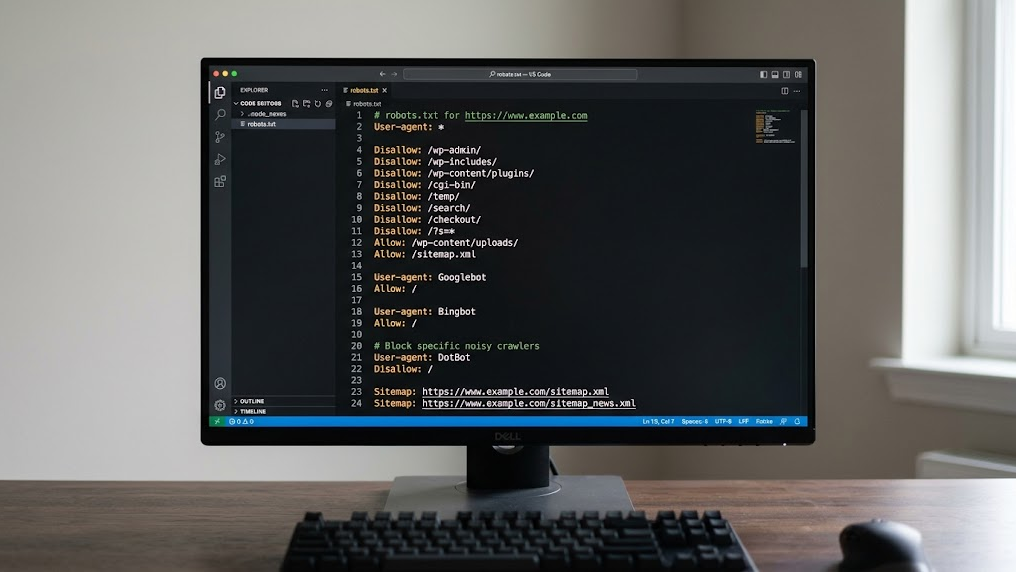
The first and most critical check is your robots.txt file. This file determines which bots are allowed to visit your site. Many default configurations inadvertently block OpenAI's crawlers. Understanding how to properly configure your robots.txt for AI visibility is essential.
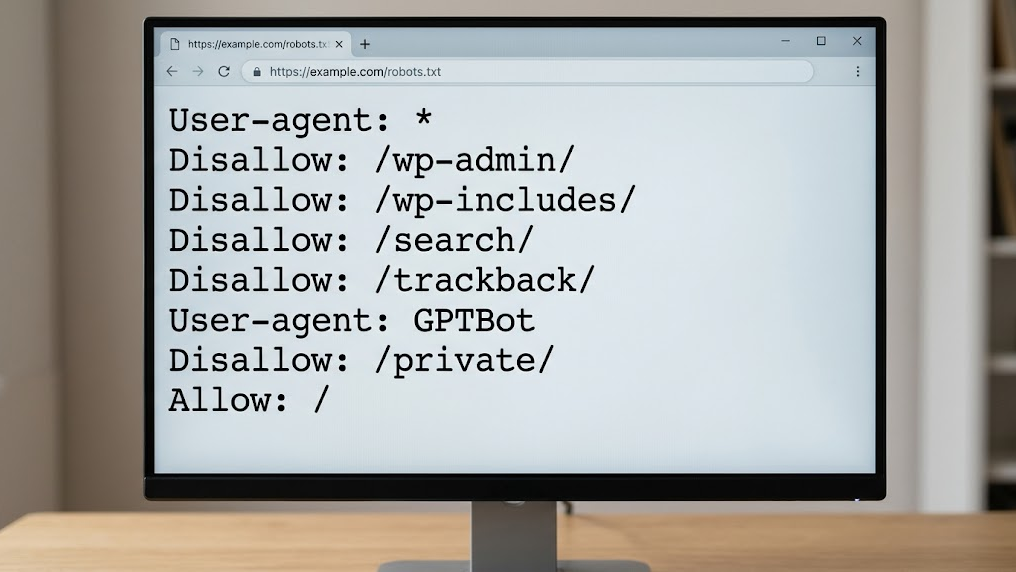
Open your browser and navigate to yourdomain.com/robots.txt. Look for the following user-agents:
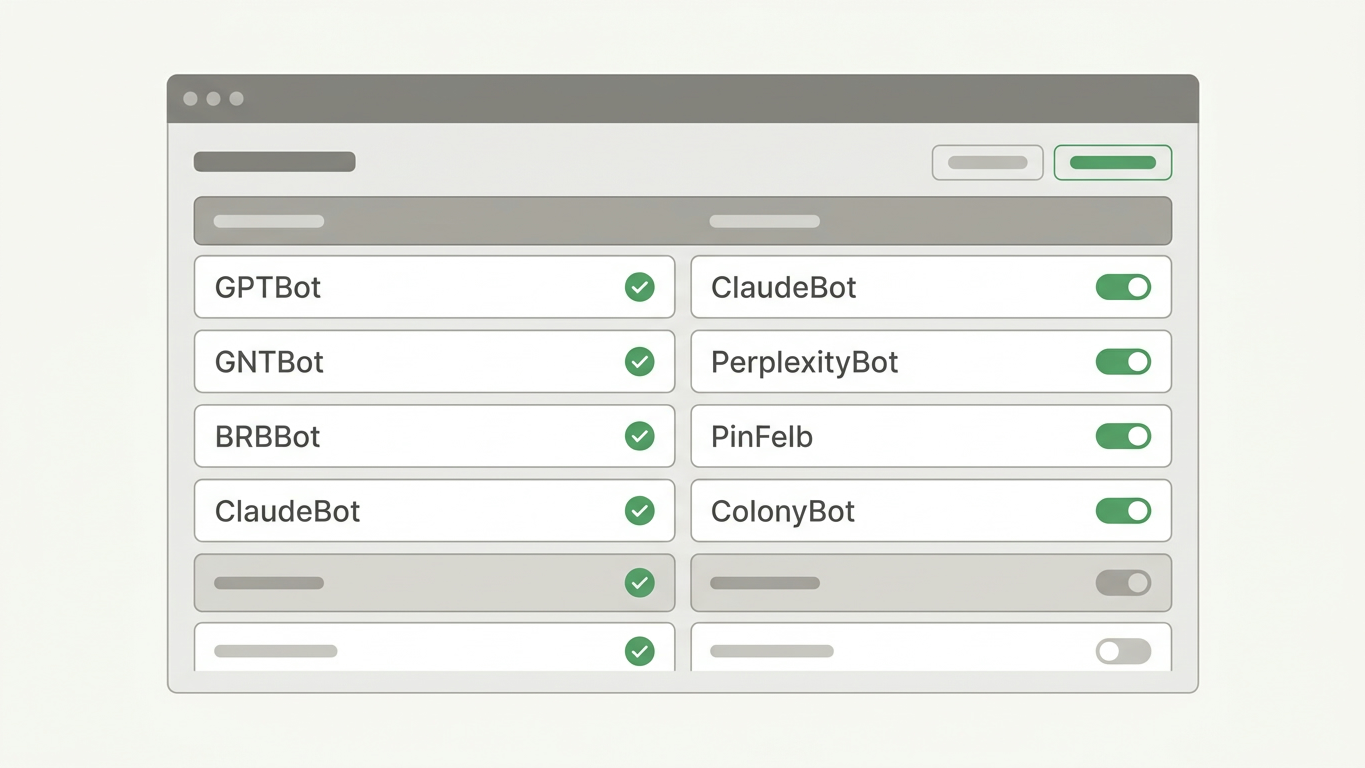
GPTBot(OpenAI/ChatGPT)ChatGPT-User(ChatGPT browse mode)ClaudeBot(Anthropic/Claude)PerplexityBot(Perplexity)
Is there a Disallow: / behind one of these user-agents? Then your site is actively blocked for that AI crawler. Remove the block or change the rule to Allow: / for the pages you want to make visible.
What if you don't see specific AI rules?
Then check the general User-agent: * rule. If this allows everything, AI crawlers can in principle access your content. But "in principle" is not enough. Explicitly allowing gives you control.
Step 2: validate your server-side rendering
ChatGPT cannot execute JavaScript the way a browser does. If your website relies entirely on client-side rendering (React, Angular, Vue without SSR), the crawler sees an empty page. Understanding what AI-crawlers really see on your site is critical for visibility.
Test this yourself in three seconds:
- Open Chrome and navigate to your homepage.
- Right-click and choose "View Page Source" (not "Inspect").
- Search with Ctrl+F for your main headings and content.
Finding only an empty <div id="app"></div> without readable text? Then your content is invisible to AI crawlers. The solution: implement server-side rendering (SSR) or static site generation (SSG) so HTML is directly available.
Step 3: check if you have an llms.txt file
The llms.txt file is the new communication channel between your website and AI models. What is llms.txt and why every modern website needs it to improve AI visibility. Where robots.txt determines whether a crawler may enter, llms.txt tells AI engines what your site has to offer. Think of it as a structured briefing for AI.
Navigate to yourdomain.com/llms.txt. Getting a 404 error? Then you're missing an opportunity to actively inform AI crawlers about your brand, services and expertise.
A basic structure for your llms.txt contains:
- Your company name and core activity
- The main pages and their purpose
- Contact information and areas of expertise
The GrowthScope Quickscan automatically generates an llms.txt template based on your domain. Within 2 to 5 minutes you have a ready-made file that you can implement directly.
Step 4: test your schema markup
Schema.org JSON-LD markup is essential for GEO and determines your AI visibility. Without structured data, an AI crawler has to figure out what your page means on its own. That leads to errors, or worse: completely ignoring your content.
Use the Google Rich Results Test (search.google.com/test/rich-results) and enter your URL. Specifically check for:
| Schema type | Goal for AI | Priority |
|---|---|---|
Organization |
Identifies your brand and business data | High |
Article / BlogPosting |
Structures your content as a citable source | High |
FAQ |
Provides direct answers for AI queries | Medium |
Product / Service |
Makes your offering discoverable in commercial queries | Medium |
Missing these schema types? Add them to your templates. This is a one-time technical investment with structural returns in AI visibility.
Step 5: perform an automated GEO crawl test
The manual checks from steps 1 through 4 give you a solid foundation. But an automated scan catches the blind spots you miss manually: redirect chains, canonical conflicts, and the actual response that AI crawlers receive.
The GrowthScope audit crawls your site externally, exactly as ChatGPT does. You receive a GEO Score from 0 to 100 and a developer-ready action plan with direct fixes.
What you get back in the Quickscan:
- Robots.txt validation for all major AI crawlers
- Server-side rendering check
- llms.txt status check with generated template
- Schema markup validation
- 3 industry-relevant AI queries on ChatGPT
Results within 2 to 5 minutes. Without account, without setup.
Your checklist at a glance
| Check | Manual | Automated (Quickscan) |
|---|---|---|
| Robots.txt AI validation | ✓ | ✓ |
| Server-side rendering | ✓ | ✓ |
| llms.txt presence | ✓ | ✓ (incl. template) |
| Schema markup | ✓ (via Google tool) | ✓ |
| AI query simulation | Not possible | ✓ (3 queries) |
| GEO Score | Not possible | ✓ (0-100) |
From baseline to structural AI visibility
AI visibility is not a one-time fix. What works today may score differently next month.
These five steps give you a clear picture of your technical GEO health today. Integrate the llms.txt status check and schema validation as a Technical Health KPI into your monthly sprints. This way you maintain control of your AI visibility and prevent competitors from taking over your position.
Want to dive deeper? The Deep Scan analyzes 25 queries across multiple AI platforms and offers sentiment analysis of how AI reports on your brand. Contact us for personalized advice on your technical GEO setup.
Start your Quickscan today. Within 5 minutes you'll know if ChatGPT can find your website.