What is llms.txt and why every modern website needs it
Llms.txt: the technical standard that determines whether AI finds you
Your website can score perfectly on traditional SEO and still be completely invisible to AI models like ChatGPT, Claude and Gemini. The problem doesn't lie in your content, but in a missing file: llms.txt. This file acts as a structured instruction set that allows AI crawlers to correctly interpret and index your site.
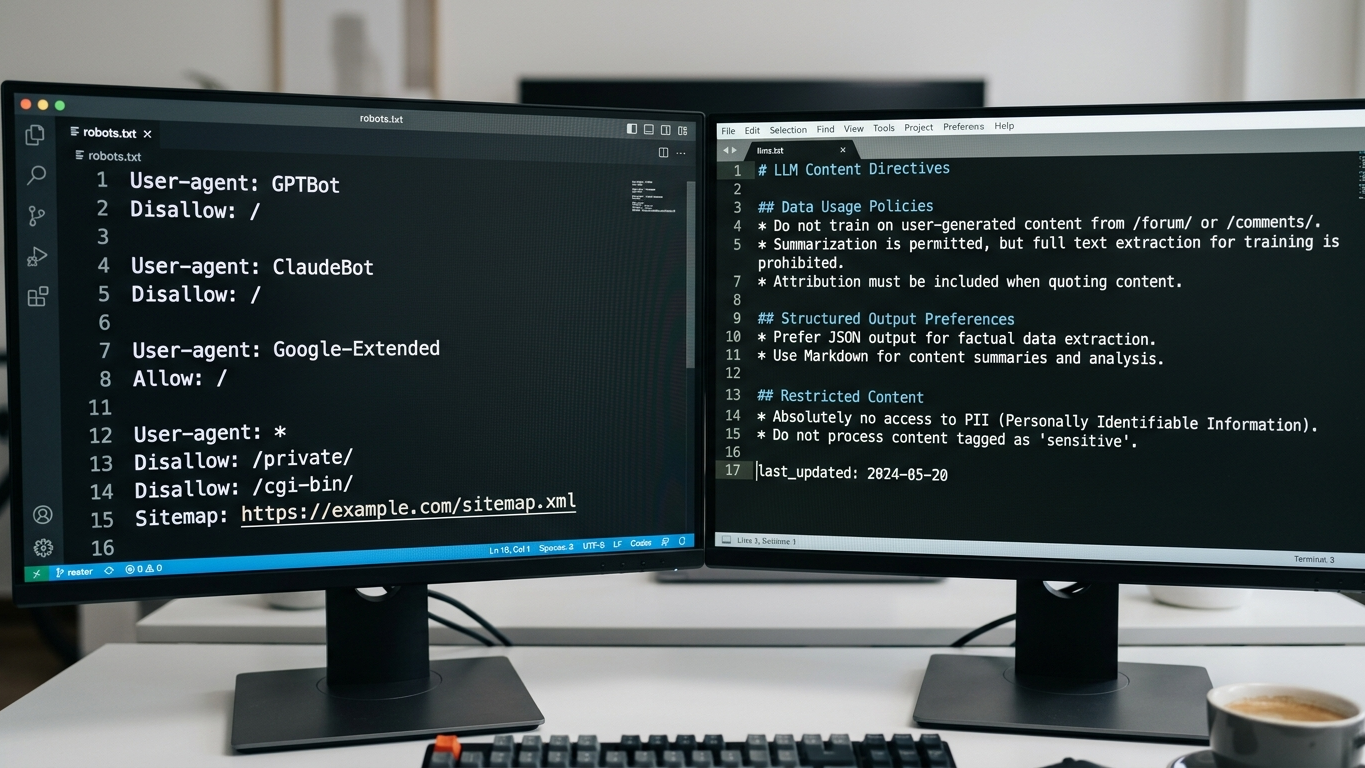
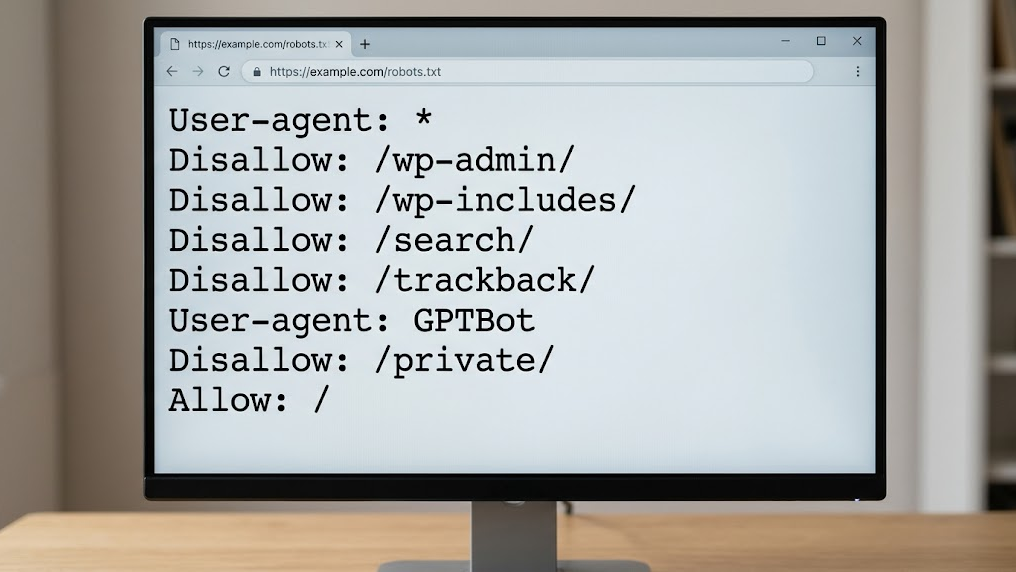
Think of it like robots.txt, but specifically designed for large language models. Where robots.txt tells search engines which pages they can crawl, llms.txt tells AI systems how to understand your content. Without this file, AI crawlers leave your site unvisited or interpret your information incorrectly.
At GrowthScope, with more than 10 years of experience in digital visibility, we see that the technical hygiene of websites structurally lags behind the pace at which AI models develop. The introduction of llms.txt is the answer to that gap.
Why robots.txt alone is no longer enough
Robots.txt was built for an era when Googlebot was the dominant crawler. AI crawlers from OpenAI (GPTBot), Anthropic (ClaudeBot) and Google (Gemini) operate fundamentally differently. They don't search for pages to index, but for structured knowledge to process.
The result: your robots.txt can be completely correctly configured while AI crawlers still don't properly access your site. They miss context about the hierarchy of your content, the relationships between pages and the authority of specific sections.
Characteristics robots.txt and llms.txt
| Characteristic | robots.txt | llms.txt |
|---|---|---|
| Target audience | Traditional search engine crawlers | AI models and LLM crawlers |
| Function | Grant or block permission | Provide context and structure |
| Format | Disallow/Allow rules | Structured metadata |
| Impact on AI visibility | Indirect | Direct |
How llms.txt works technically
You place the llms.txt file in the root of your domain, exactly as you do with robots.txt. The file follows a simple, readable structure that tells AI models what your site contains, which sections have priority and how the content should be interpreted.
The basic structure of an llms.txt file
A functional llms.txt file contains at least the following elements:
- Site name and description: a brief explanation of your organization and expertise
- Content categories: an overview of the main sections with their URLs
- Priority indication: which pages have the highest authority
- Contact information: how the AI model should attribute your organization
Example implementation
llms.txt

Name
GrowthScope - GEO & AI Visibility

Description
GrowthScope provides strategic analyses and tools for generative engine optimization. Production and development from Schijndel, executed by our own professionals.

Primary content
/quickscan - Technical AI visibility analysis
/blog - Knowledge base on GEO and AI crawlability
/services - Overview of all services

Priority
/quickscan
/blog
This example illustrates how compact and effective the file can be. The threshold is low, but the impact on crawlability is measurable.
Step by step implementing llms.txt on your website
Implementation takes an experienced developer less than 30 minutes. Follow this step-by-step plan to deploy the file correctly.
Step 1: audit your current crawlability
Before you add llms.txt, first validate that your server-side rendering is working correctly. AI crawlers cannot process JavaScript-rendered content if your server doesn't deliver pre-rendered HTML. Also check that GPTBot and ClaudeBot are not unintentionally blocked in your current robots.txt.
Step 2: define your content structure
Map out the hierarchy of your website. Identify which pages contain the highest information value and which sections should serve as authority sources. Focus on pages with unique expertise that AI models can cite as a trusted source.
Step 3: write and deploy the file
Create the llms.txt file according to the structure in the example above. Upload it to the root of your domain so it's accessible at yourdomain.com/llms.txt. After deployment, verify that the file is served correctly with a 200 HTTP status code.
Step 4: validate and monitor
After deployment, check that AI crawlers actually retrieve the file. Check your server logs for requests from GPTBot, ClaudeBot and other AI user agents. Integrate this validation as a recurring part of your technical health checks.
Schema markup and llms.txt: the combination that anchors AI visibility
Llms.txt alone is necessary but not sufficient. The combination with correct Schema markup (JSON-LD) exponentially strengthens the signal that AI models receive. Schema markup provides structured data at the page level, while llms.txt delivers sitewide context.
Our own professionals at GrowthScope have tested this combination on dozens of domains. The conclusion is consistent: websites with both llms.txt and validated Schema markup are significantly more frequently cited in AI-generated answers.
Concrete actions you can take:
- Implement Organization and WebSite schema on your homepage
- Add Article schema to all your blog posts
- Use FAQ schema for pages with frequently asked questions
- Validate everything via Google's Schema Markup Validator
GrowthScope Quickscan
The GrowthScope Quickscan performs this validation within 2 to 5 minutes and generates a directly usable llms.txt template based on your specific site structure. That reduces your time-to-fix from hours to minutes. For technical leads who want to make their infrastructure future-proof, this is the most efficient first step.
AI visibility is not a marketing trend. It's an infrastructure requirement. And llms.txt is the foundation.