Configure Next.js SSR for optimal AI-crawlability
Why server-side rendering is the key to AI-crawlability
AI-crawlers from OpenAI, Anthropic and Google do not execute JavaScript. This means your beautifully built Next.js application can be an empty page for ChatGPT or Perplexity.
Server-side rendering (SSR) solves this problem by generating the complete HTML on the server. The crawler receives the complete content directly, without depending on client-side hydration. For your GEO visibility this is not a nice-to-have, but a hard requirement.
In this tutorial you will configure your Next.js project step by step so that AI-crawlers can correctly index and cite every page.
Step 1: Check your current rendering method
Before you modify any code, you need to know how your pages are currently served. Open your terminal and run the following curl command:
curl -s https://uwdomein.nl | head -100Do you see only an empty <div id="__next"></div> in the output without content? Then your content is completely client-side rendered. AI-crawlers see nothing useful at that moment.
Quick validation via the GrowthScope Quickscan
A manual curl check gives you an initial impression. Test in 5 minutes if ChatGPT can crawl your website with the GrowthScope Quickscan, which performs a complete server-side rendering check within 2 to 5 minutes and validates your robots.txt configuration. This way you immediately know which pages are invisible to AI-engines.
Step 2: Activate SSR in the Next.js App Router
Since Next.js 13+ with the App Router, Server Components are the default. Still, incorrect configuration can push your pages to the client anyway.
Avoid unnecessary 'use client' directives
Any component with 'use client' at the top is client-side rendered. Limit this directive to interactive elements such as forms or modals. Your content components (articles, product descriptions, FAQs) remain Server Components.
// ✓ Good: Server Component (default)
export default async function ArticlePage({ params }) {
  const artikel = await fetchArtikel(params.slug);
  return (
    <article>
      <h1>{artikel.titel}</h1>
      <div>{artikel.inhoud}</div>
    </article>
  );
}
Force dynamic rendering where needed
For pages that must always show current data, you configure dynamic SSR:
export const dynamic = 'force-dynamic';For most content pages, static generation (generateStaticParams) is the better choice. The page is then rendered at build time. AI-crawlers receive a complete HTML response at lightning speed.
Step 3: Add metadata and structured data for citability
SSR ensures that AI-crawlers can read your content. But citability determines whether they actually mention your brand in their answers.
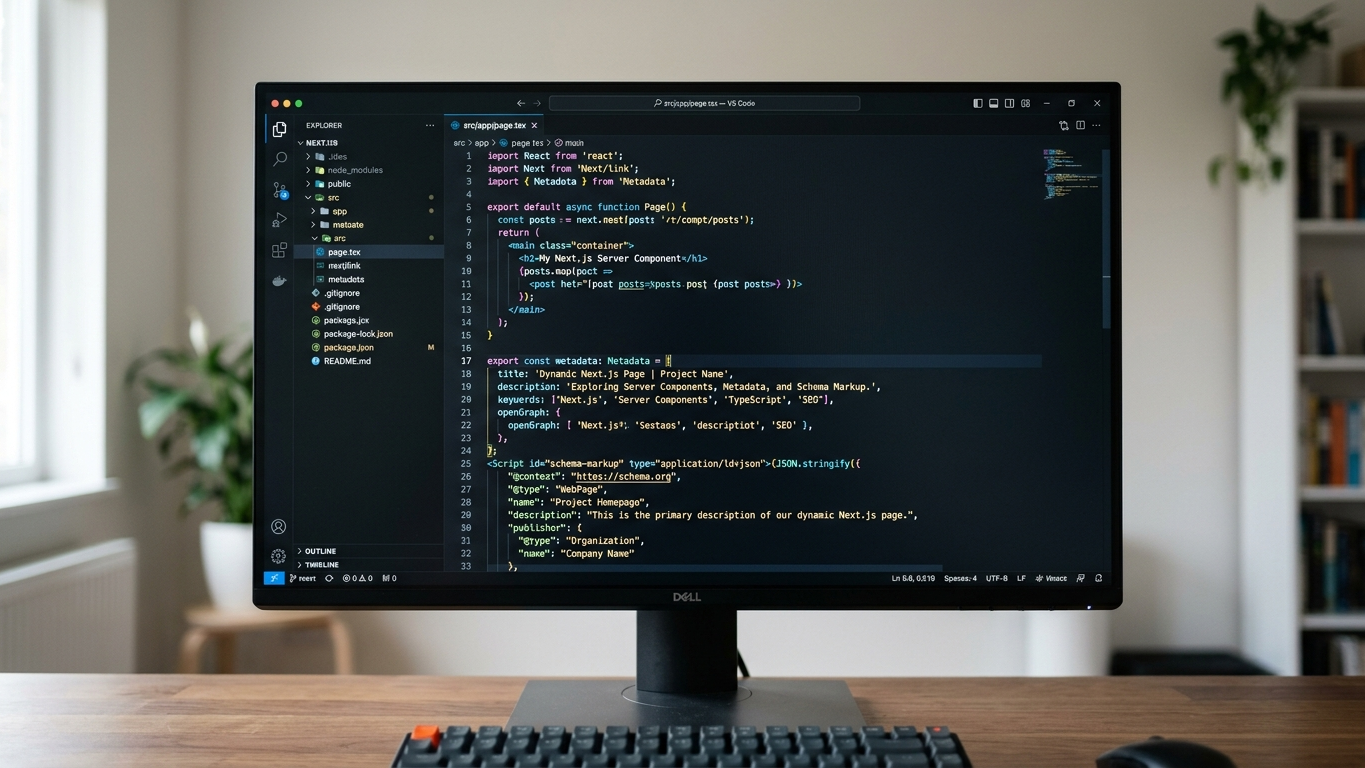
Deploy Next.js Metadata API
Use the built-in Metadata API to provide each page with unique meta information:
export async function generateMetadata({ params }): Promise<Metadata> {
  const artikel = await fetchArtikel(params.slug);
  return {
    title: artikel.titel,
    description: artikel.samenvatting,
    openGraph: {
      title: artikel.titel,
      description: artikel.samenvatting,
      type: 'article',
    },
  };
}
Schema markup as JSON-LD
Add structured data so AI-engines understand the context of your page:
export default function ArtikelLayout({ children, artikel }) {
  const jsonLd = {
    '@context': 'https://schema.org',
    '@type': 'Article',
    headline: artikel.titel,
    author: { '@type': 'Organization', name: 'Your Company' },
    datePublished: artikel.publicatiedatum,
  };

  return (
    <>
      <script
        type="application/ld+json"
        dangerouslySetInnerHTML={{ __html: JSON.stringify(jsonLd) }}
      />
      {children}
    </>
  );
}
Schema markup is the translation of your website into a language that AI understands. Without this markup, the crawler misses essential context about your content.
Step 4: Configure llms.txt and robots.txt
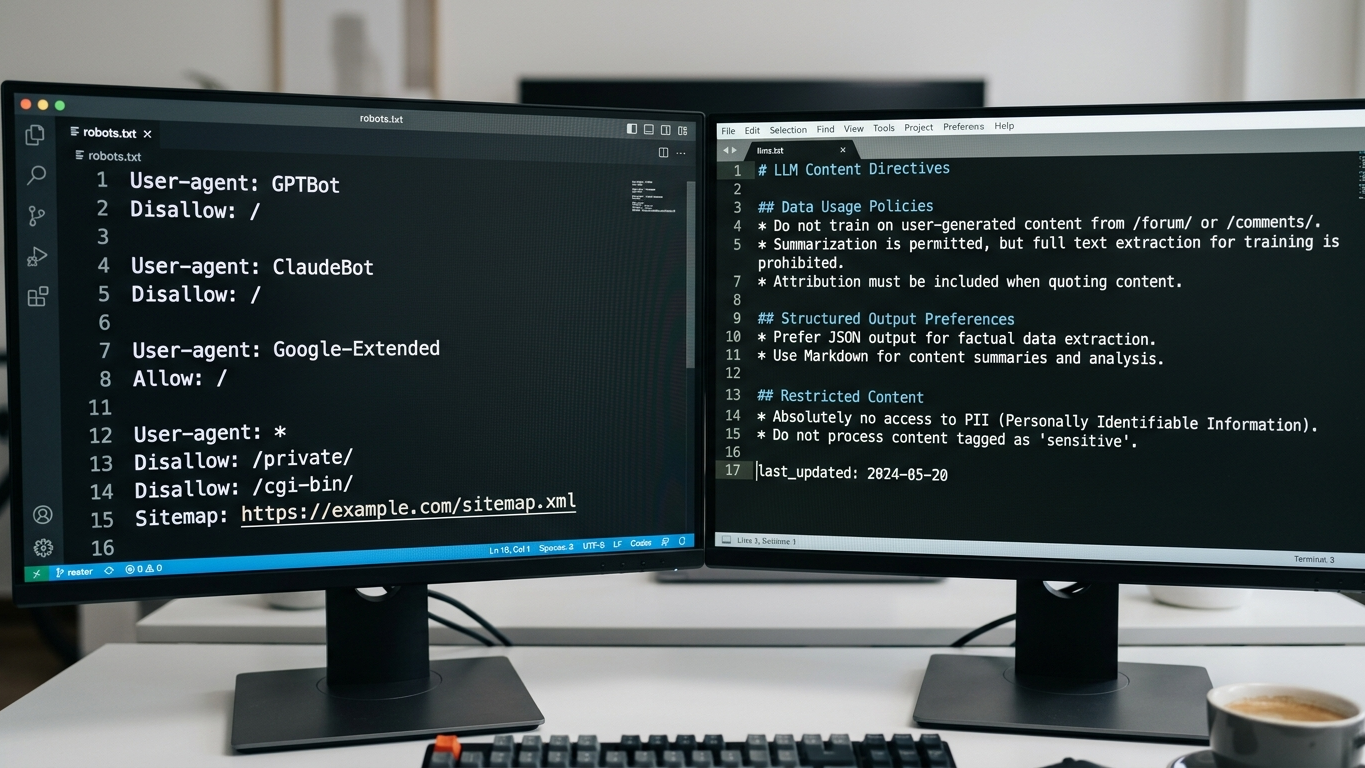
Technical GEO hygiene starts with the files that AI-crawlers consult first. Your robots.txt configuration determines whether crawlers get access at all. The llms.txt file gives AI-engines a structured overview of your most important content.
Generate robots.txt via Next.js
// app/robots.ts
export default function robots() {
  return {
    rules: [
      {
        userAgent: '*',
        allow: '/',
      },
      {
        userAgent: 'GPTBot',
        allow: '/',
      },
      {
        userAgent: 'ClaudeBot',
        allow: '/',
      },
    ],
    sitemap: 'https://uwdomein.nl/sitemap.xml',
  };
}
Create llms.txt
Place an llms.txt file in your public directory. This file serves as a reading guide for AI-crawlers:
# Your Company
> Short description of your organization and expertise.

## Important pages
- [Services](https://uwdomein.nl/diensten)
- [About us](https://uwdomein.nl/over-ons)
- [Blog](https://uwdomein.nl/blog)
Step 5: Validate the result
After implementation, validation is essential. Use this checklist:
- Run a curl check again and verify that the complete HTML is in the response
- Validate your schema markup via Google's Rich Results Test
- Test your robots.txt via the robots.txt tester tool
- Check that llms.txt is accessible at
uwdomein.nl/llms.txt
| Check | Tool | Expected result |
|---|---|---|
| SSR output | curl + head | Complete HTML with content |
| Schema markup | Rich Results Test | No errors, article-type recognized |
| robots.txt | robots.txt tester | GPTBot and ClaudeBot allowed |
| llms.txt | Browser check | File accessible and readable |
For a complete technical audit including AI-platform validation on ChatGPT, Perplexity, Google AI Overviews and Claude, you can use the GrowthScope deep scan. You receive a GEO Score of 0 to 100 within 10 to 15 minutes, including a developer-ready action plan.
SSR as the foundation of your AI visibility
Correct SSR configuration in Next.js is the technical foundation on which your entire GEO strategy rests. Without server-side rendering, AI-crawlers cannot see your content. Without schema markup, they do not understand the context. Without llms.txt, they don't know where to start.
Integrate these configurations as Technical Health KPI in your monthly sprints. AI-crawlability is not a one-time fix, but a continuous part of your deployment pipeline. Start your audit today and discover within minutes which technical improvements will directly boost your AI visibility.
Do you have questions about the technical implementation? Contact the GrowthScope team.