The developer's pre-deploy GEO checklist: ensure AI crawlers can read your site immediately
Your code is tested, the staging environment runs stably and deployment is scheduled. But have you checked whether AI crawlers can even interpret your new release? Without a targeted GEO check for deployment, you risk ChatGPT, Perplexity and Google AI Overviews ignoring your content entirely.
This checklist translates Generative Engine Optimization into concrete, developer-ready validation steps you integrate into your workflow. Work through each point for every deploy and prevent technical debt from undermining your AI visibility.
Why a GEO checklist at every deploy is essential
AI crawlers work fundamentally differently from traditional search engine bots. They interpret context, structure and semantics. A misconfigured robots.txt file or missing schema markup means your entire domain becomes invisible to generative engines.
The problem: most deployments focus on functional tests and SEO basics. GEO validation is completely missing from the CI/CD pipeline. The result is that competitors get mentioned in AI answers, while your technically superior content remains undiscovered.
The solution: a structured pre-deploy checklist you include as a Technical Health KPI in your monthly sprints.
Start with a Quickscan to determine your current baseline, so you know where the gaps are.
Step 1: validate crawlability and access for AI bots
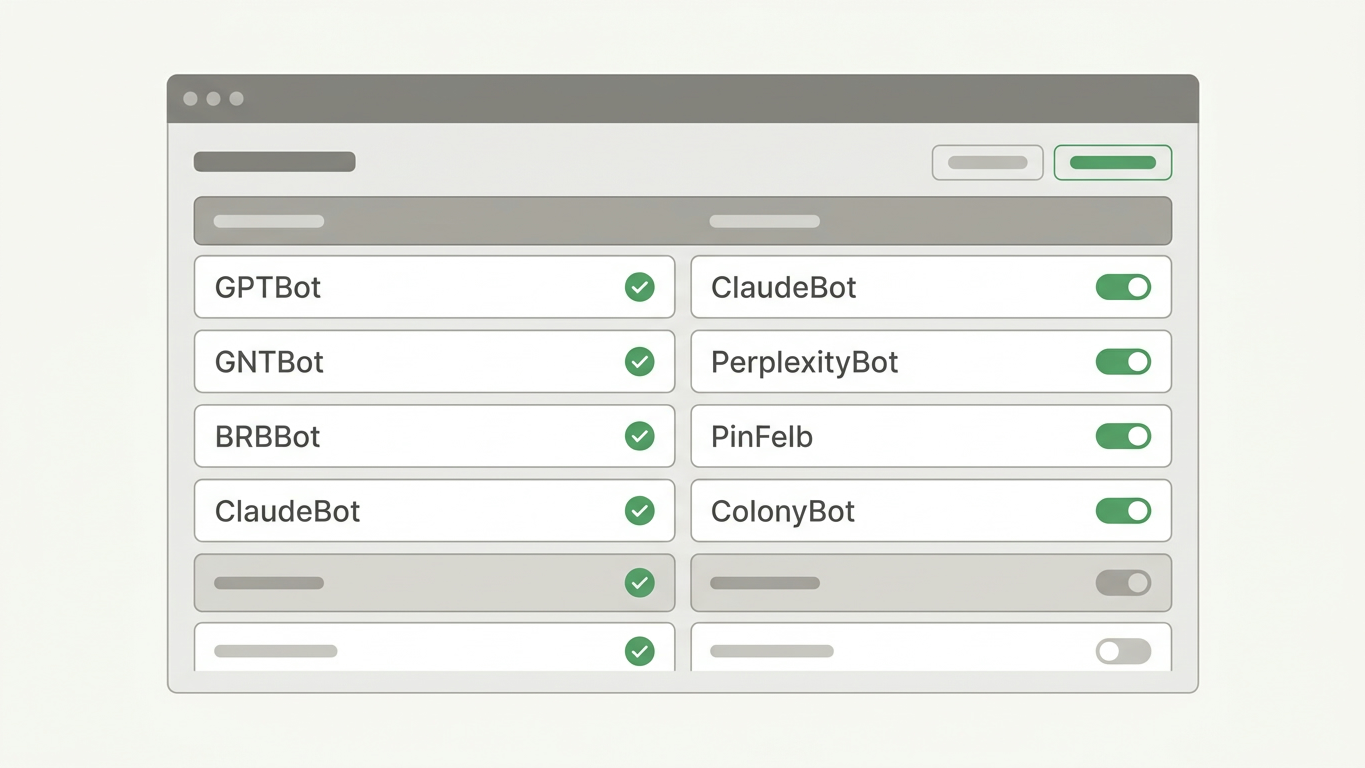
Before you optimize even one line of content, the technical infrastructure must be correct. AI crawlers from OpenAI (GPTBot), Anthropic (ClaudeBot) and Google must have explicit access.
Robots.txt configuration
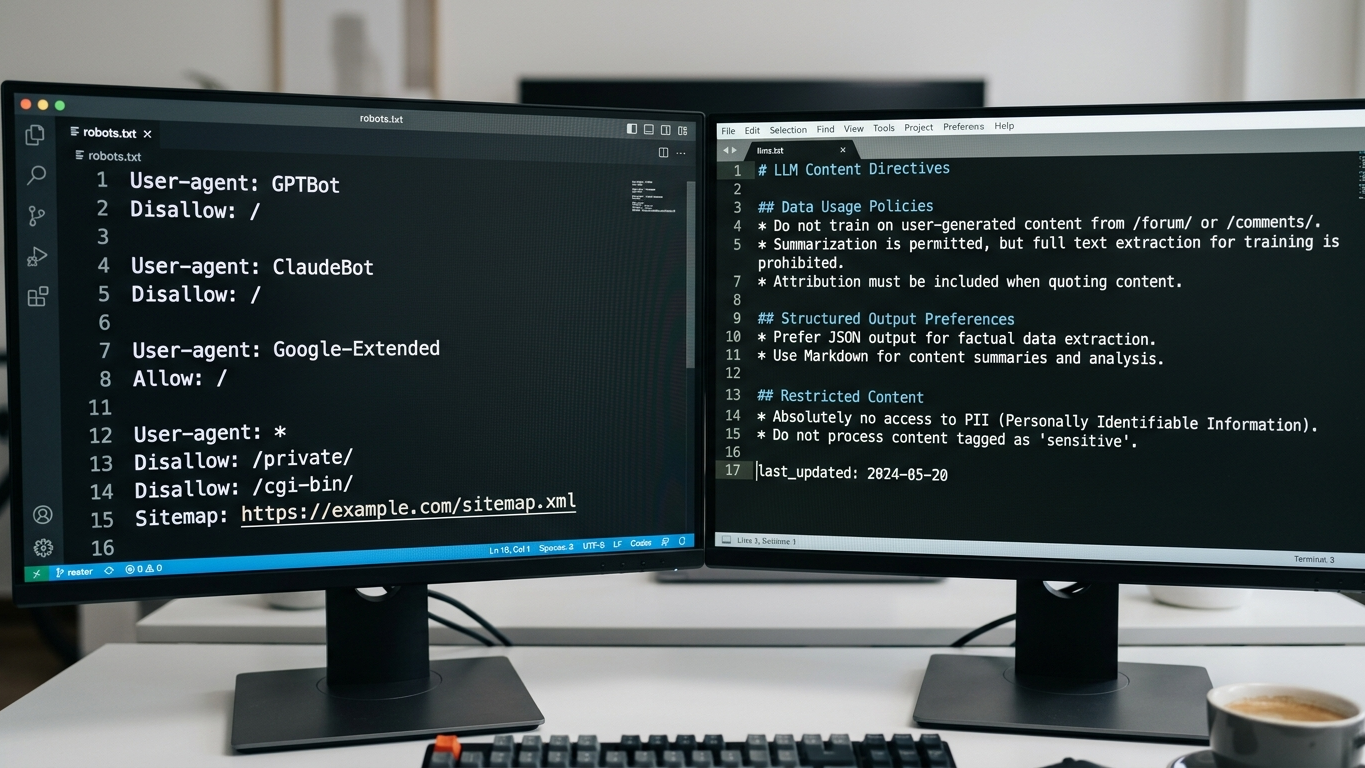
Check your robots.txt for the following points:
- GPTBot, ClaudeBot and Google-Extended are not on
Disallow - There are no wildcard blocks that inadvertently exclude AI crawlers
- The sitemap URL is correctly included and accessible
- Crawl-delay values are not unnecessarily high
llms.txt implementation
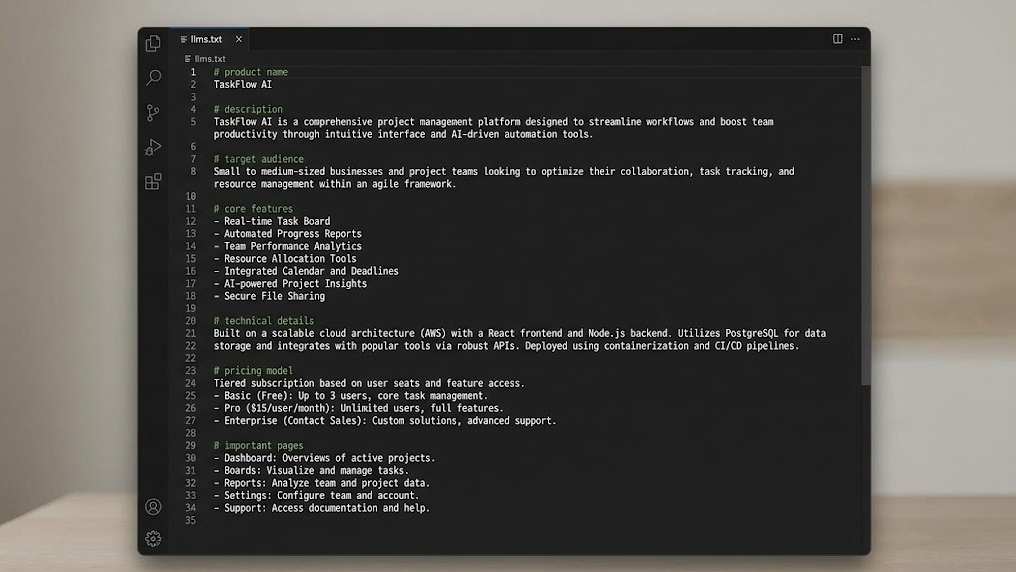
The llms.txt file is the instruction set you use to tell AI crawlers which content has priority. Validate for every deploy:
- The file is in the root of your domain (
/llms.txt) - The content reflects the current site structure after deployment
- New landing pages or product pages are included
- Deleted pages are removed from the file
Step 2: check server-side rendering and technical output
Rendering checklist
| Check | Validation method | Expected result |
|---|---|---|
| SSR/SSG active for core pages | curl -A "GPTBot" [URL] |
Complete HTML with content |
| No JS-dependent content | View page source in browser | Text visible without JS |
| Meta tags server-side rendered | HTTP response headers check | Title and description in raw HTML |
| Canonical tags correct | Crawl with headless browser | One canonical per page |
Common mistakes
- SPA frameworks that only load content after hydration
- Lazy-loaded text blocks that remain invisible to crawlers
- Dynamic meta descriptions missing server-side
Step 3: validate schema markup and structured data
Schema markup is the translation of your website into a language AI understands. Without correct structured data, generative engines miss the context they need to cite your content as a source.
Check before deployment:
- JSON-LD schema is present on every page type (Article, Product, FAQ, Organization)
- The schema validates without errors in the Google Rich Results Test
author,datePublishedanddateModifiedare correctly filled in- FAQ schema contains actual questions users ask AI engines
- Breadcrumb schema reflects the navigation structure
Step 4: technically secure content citability
Citability is the extent to which AI can adopt your texts literally as a source. This is not purely an editorial matter. The technical formatting determines whether AI engines can parse your content.
Technical citability check
- H1 through H3 headings follow a logical hierarchy (no skipped levels)
- Paragraphs contain a maximum of 3 to 4 sentences
- Lists and tables use semantic HTML (
<ul>,<ol>,<table>) - Images have descriptive alt text that adds context
- Internal links use descriptive anchor text instead of "click here"
Step 5: deploy validation and post-deploy monitoring
After deployment, the checklist is not complete. Validate that the live environment matches your staging checks.
Post-deploy validation steps
- Run a GrowthScope Quickscan on the live domain (result within 2 to 5 minutes)
- Compare the GEO Readiness Score with the previous deployment
- Check that llms.txt and robots.txt are correctly served via
curl - Monitor indexing status in Google Search Console within 48 hours
- Plan quarterly trend tracking to detect shifts in AI visibility
The complete pre-deploy GEO checklist summarized
| Category | Action | Priority |
|---|---|---|
| Crawlability | Validate robots.txt AI bot access | Critical |
| Crawlability | Update and deploy llms.txt | Critical |
| Rendering | Check SSR/SSG for core pages | Critical |
| Rendering | Eliminate JS-dependent content | High |
| Schema | Validate JSON-LD per page type | High |
| Schema | Check author and date fields | Medium |
| Citability | Check heading hierarchy and semantic HTML | High |
| Citability | Validate alt text and anchor text | Medium |
| Post-deploy | Measure GEO Readiness Score via Quickscan | Critical |
| Post-deploy | Schedule trend tracking | Medium |
From checklist to continuous process
GEO is not a one-time action at deployment. It is an ongoing validation process.
Integrate this checklist as a mandatory step in your CI/CD pipeline, alongside unit tests and linting.
Want to know how your site stands right now? Run an audit today and receive your GEO Readiness Score within minutes. No account, no setup, no API keys. Also check out our other technical GEO insights to structurally strengthen your AI visibility.
Have questions about technical implementation? Get in touch directly and discuss your specific situation.