How to Prevent Your CDN or Firewall From Blocking AI-Bots
AI-crawlers are blocked more often than you think
Your content can be perfectly structured for AI visibility. But if your CDN or firewall stops the crawler from OpenAI, Anthropic or Google at the door, that content never reaches an AI response. This is one of the most underestimated causes of low GEO scores.
The problem is technically subtle. Modern security layers like Cloudflare, Akamai or AWS WAF classify unknown bots as suspicious traffic by default. The result: your competitor gets mentioned in ChatGPT, you don't. Not because your content is worse, but because your infrastructure closes the door.
In this guide you'll learn exactly which AI-bots you need to allow, how to configure your CDN and firewall, and which validation steps you can take immediately.
Why Your CDN Blocks AI-Bots Without You Knowing
CDN providers and firewalls work with bot detection rules designed to prevent scraping and DDoS attacks. Those rules don't distinguish between malicious scrapers and the ChatGPT crawler. Both are treated as unwanted traffic.
The most common blocks occur because of:
- Rate limiting: AI crawlers make many requests in a short time. Your CDN interprets this as an attack and blocks the IP address.
- Bot classification: WAF rules automatically categorize unknown user-agents as "bad bot" and return a 403 error code.
- JavaScript challenges: CAPTCHAs and browser validations that let human users through, but completely block headless crawlers.
- Geo-blocking: IP ranges of AI crawlers fall outside your allowed regions.
The treacherous part is that you don't get an error message for this. The crawler is silently rejected. Your server logs show a 403 or 503 status, but nobody looks at that by default.
Which AI-Crawlers You Need to Allow
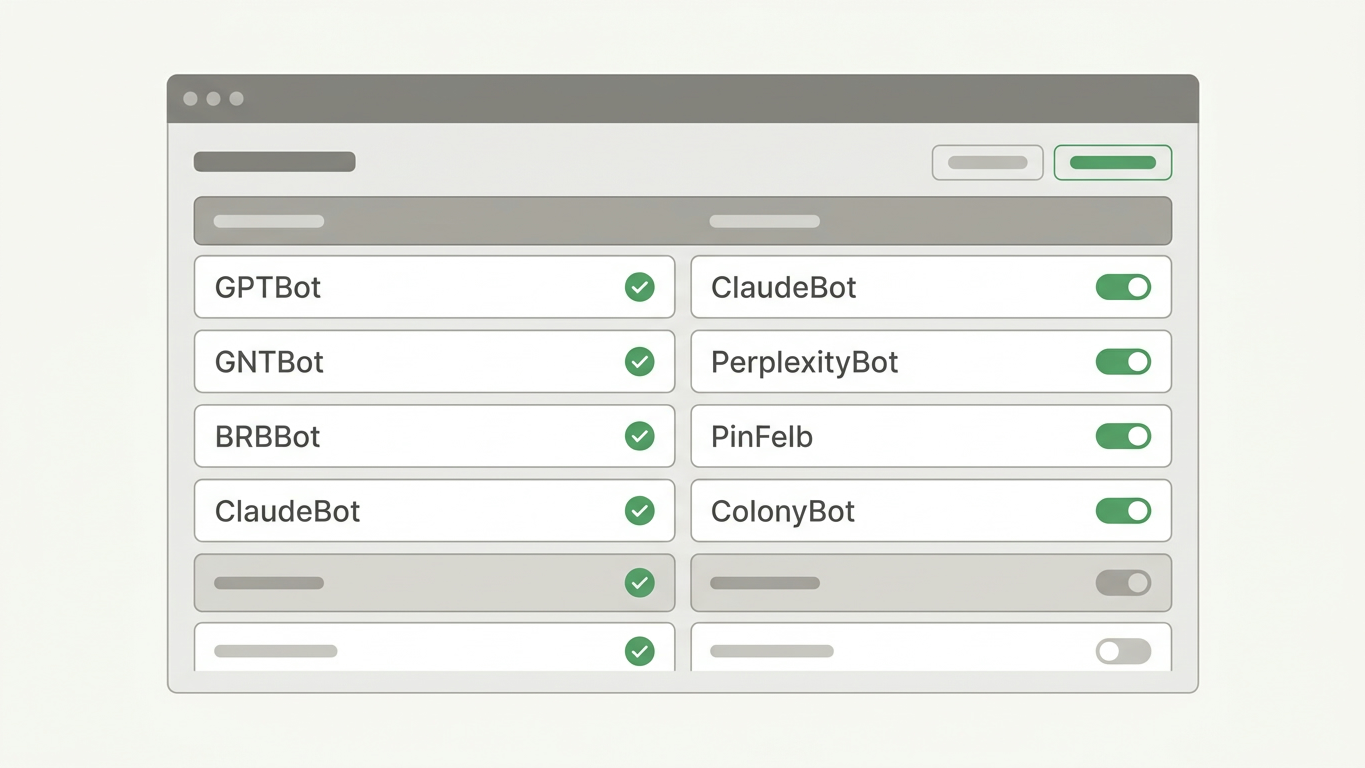
Not every bot deserves access. But the crawlers from the major AI platforms are essential for your Generative Engine Optimization visibility. Below you'll find the user-agents you must explicitly whitelist.
| AI platform | User-agent | Purpose |
|---|---|---|
| OpenAI (ChatGPT) | GPTBot | Training and retrieval for ChatGPT |
| OpenAI | OAI-SearchBot | ChatGPT search results |
| Anthropic (Claude) | ClaudeBot | Content indexing for Claude |
| Google AI | Google-Extended | AI Overviews and Gemini |
| Perplexity | PerplexityBot | Realtime source attribution |
| Meta | Meta-ExternalAgent | AI training Meta products |
Check that these user-agents are not blocked in your robots.txt with Disallow. Then validate that your CDN configuration allows these agents. Both layers must be correct. A correct robots.txt doesn't help if your firewall has already rejected the crawler before the file is even read.
Want to understand how llms.txt plays a supplementary role? That file serves as a structured table of contents specifically for AI systems.
Step-by-Step Configuration for the Three Largest CDN Providers
Cloudflare
Cloudflare is the most widely used CDN provider and blocks aggressively by default. Follow these steps:
- Go to Security > WAF > Custom Rules.
- Create a new rule with the condition:
http.user_agent contains "GPTBot"or"ClaudeBot"or"PerplexityBot". - Set the action to Skip (bypass all security rules for these agents).
- Check under Security > Bots that "Bot Fight Mode" doesn't perform a blanket block on verified bots.
AWS CloudFront with WAF
- Open the AWS WAF Console and select your Web ACL.
- Add a new rule of type String match condition on the
User-Agentheader. - Define the known AI crawlers as allowed values.
- Place this rule above your general bot-blocking rule so AI crawlers are allowed before the standard block is applied.
Akamai
- Navigate to Security Configuration > Bot Manager.
- Classify GPTBot, ClaudeBot and PerplexityBot as Known Good Bots.
- Set the response action to Allow instead of Monitor or Deny.
After configuration, validation is essential. Don't rely on the setting alone.
How to Validate That AI-Crawlers Actually Have Access
Configuring without testing is guessing. Use these methods to confirm your changes are working:
- cURL test with custom user-agent: Run
curl -A "GPTBot" -I https://yourdomain.comand check if you receive a 200 HTTP status instead of 403 or 503. - Analyze server logs: Filter your access logs for the user-agents in the table above. Do you see hits with status 200? Then the crawlers are getting through.
- GrowthScope Quickscan: Start an audit that validates your technical GEO setup within 2 to 5 minutes. The scan checks server-side rendering, robots.txt configuration and crawlability without needing to create an account.
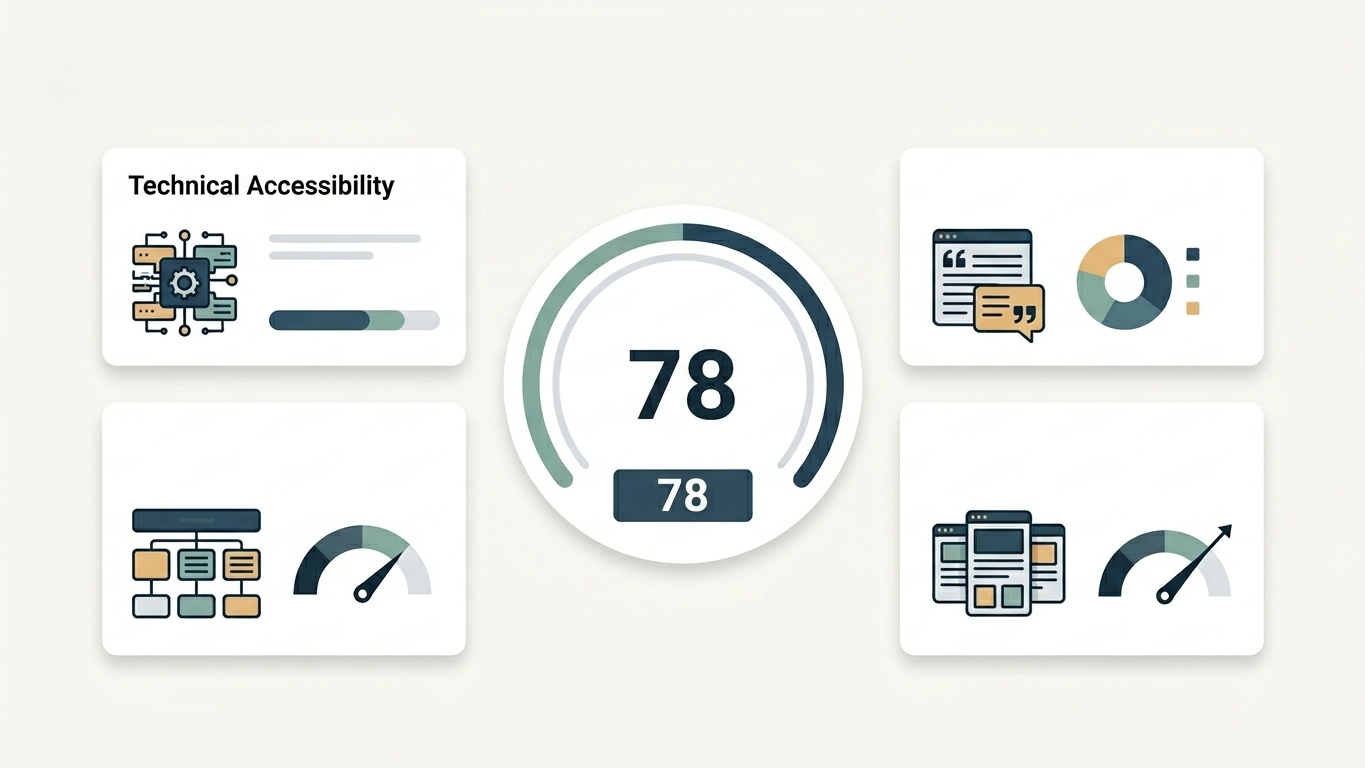
The combination of manual tests and an automated GEO Readiness Score gives you the complete picture.
Common Mistakes That Sabotage Your AI Visibility
Even after correct CDN configuration, things often go wrong. Avoid these pitfalls:
- Robots.txt does not override CDN rules. If your firewall blocks a crawler,
robots.txtis never reached. The order is: DNS, CDN/firewall, webserver, thenrobots.txt. - Wildcard blocks in WAF rules. A rule that blocks all bots except Googlebot automatically excludes all AI crawlers.
- Security plugins at CMS level. WordPress plugins like Wordfence or Sucuri have their own bot blocks separate from your CDN. Check both layers.
- Forgot to test after updates. CDN providers regularly update their managed rulesets. An update can override your whitelist rules.
Make AI-Crawlability Part of Your Technical Sprints
AI visibility is not a one-time fix. CDN configurations change, new AI crawlers appear and managed rulesets are updated. So integrate monitoring quarterly crawlability checks into your development workflow.
The concrete steps:
- Baseline measurement: Run a GrowthScope scan today and document which crawlers do and don't get through.
- Configure: Whitelist the AI user-agents in your CDN and firewall according to the instructions above.
- Monitor: Plan quarterly trend tracking to detect shifts in crawlability and AI visibility before they impact you.
Your technical infrastructure determines whether AI engines can even find your brand. Make sure the door is open for the right crawlers.
Have questions about your specific setup? Get in touch.