Server-side rendering vs client-side: what AI-crawlers really see on your site
Why AI-crawlers do not execute your JavaScript
You invest in a lightning-fast single-page application with React, Vue or Angular. Your visitors see a beautiful interface. But do you know what the crawlers of ChatGPT, Perplexity and Google AI Overviews see? In many cases: an empty page.
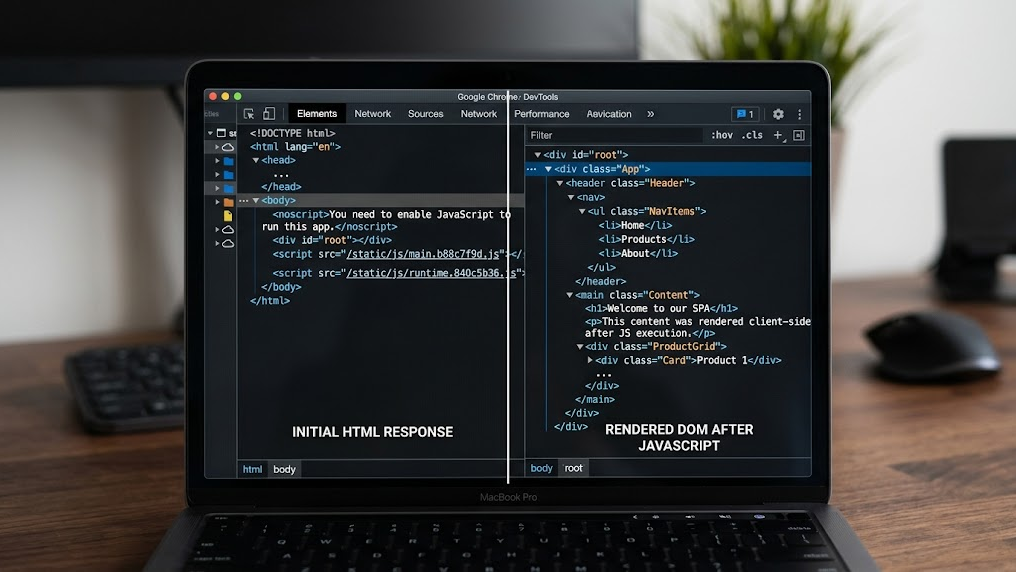
The fundamental problem is simple. AI-crawlers rarely execute JavaScript. While a browser neatly constructs your client-side rendered content, an AI bot only receives the bare HTML that your server returns. If that HTML is empty at the time of the initial response, your content simply does not exist for AI. This is not a theoretical risk. It is the reality for thousands of websites that are unintentionally invisible in AI responses.
Within Generative Engine Optimization (GEO) server-side rendering is therefore not a luxury. It is a technical requirement for AI visibility.
The difference between SSR and CSR for AI-crawlers
The choice between server-side rendering (SSR) and client-side rendering (CSR) determines whether your content reaches the index of AI engines at all. Below are the key differences from the perspective of an AI-crawler.
| Feature | Server-side rendering (SSR) | Client-side rendering (CSR) |
|---|---|---|
| HTML on first request | Fully populated with content | Empty or minimal (div id="root") |
| JavaScript dependency | Minimal for content | Complete for content |
| Crawlability by AI bots | High | Low to non-existent |
| Time-to-content for bots | Immediate (first response) | Dependent on JS execution |
| Schema markup visibility | Immediately available in HTML | Often only after JS rendering |
The bots of OpenAI (GPTBot) and Anthropic (ClaudeBot) operate fundamentally differently than a Chrome browser. They parse the initial HTML response and move on. There is no wait time for JavaScript frameworks to build the DOM. What is not in the first response is ignored.
How to validate what AI-crawlers actually receive
Before you adjust your architecture, you must first determine what the current situation is. This is the baseline measurement of your technical GEO hygiene.
Manual validation via the terminal:
Execute a simple curl request to inspect the server response:
curl -s https://yourdomain.com | head -100Do you see your page content in the output? Then your server delivers populated HTML. Do you only see an empty <div> element and references to JavaScript bundles? Then your content is invisible to AI-crawlers.
Automated validation:
The GrowthScope Quickscan performs this server-side rendering check automatically. Within 2 to 5 minutes you know if your technical setup blocks AI-crawlers and you receive a concrete action plan.
The three technical fixes that make your content visible
If your validation shows that AI-crawlers receive an empty page, these are the three routes to a solution.
1. Migrate to server-side rendering or static site generation
Frameworks such as Next.js (React) and Nuxt.js (Vue) offer built-in SSR and SSG modes. With SSR, the server generates the complete HTML per request. With SSG, the HTML is generated in advance during the build. Both methods ensure that the first response contains populated content.
- SSR is ideal for dynamic pages with frequent updates
- SSG is optimal for relatively static content such as blog posts and product pages
- ISR (Incremental Static Regeneration) combines the best of both
2. Configure your robots.txt and llms.txt correctly
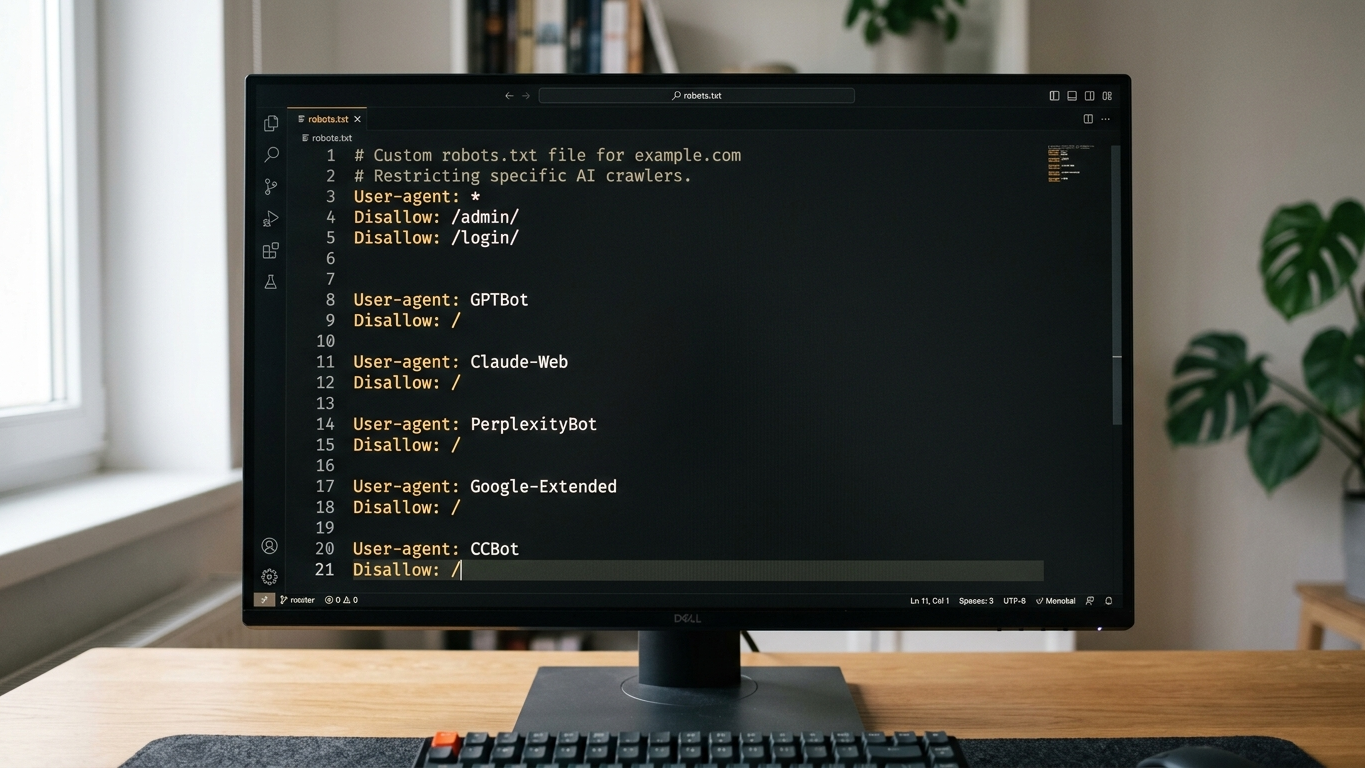
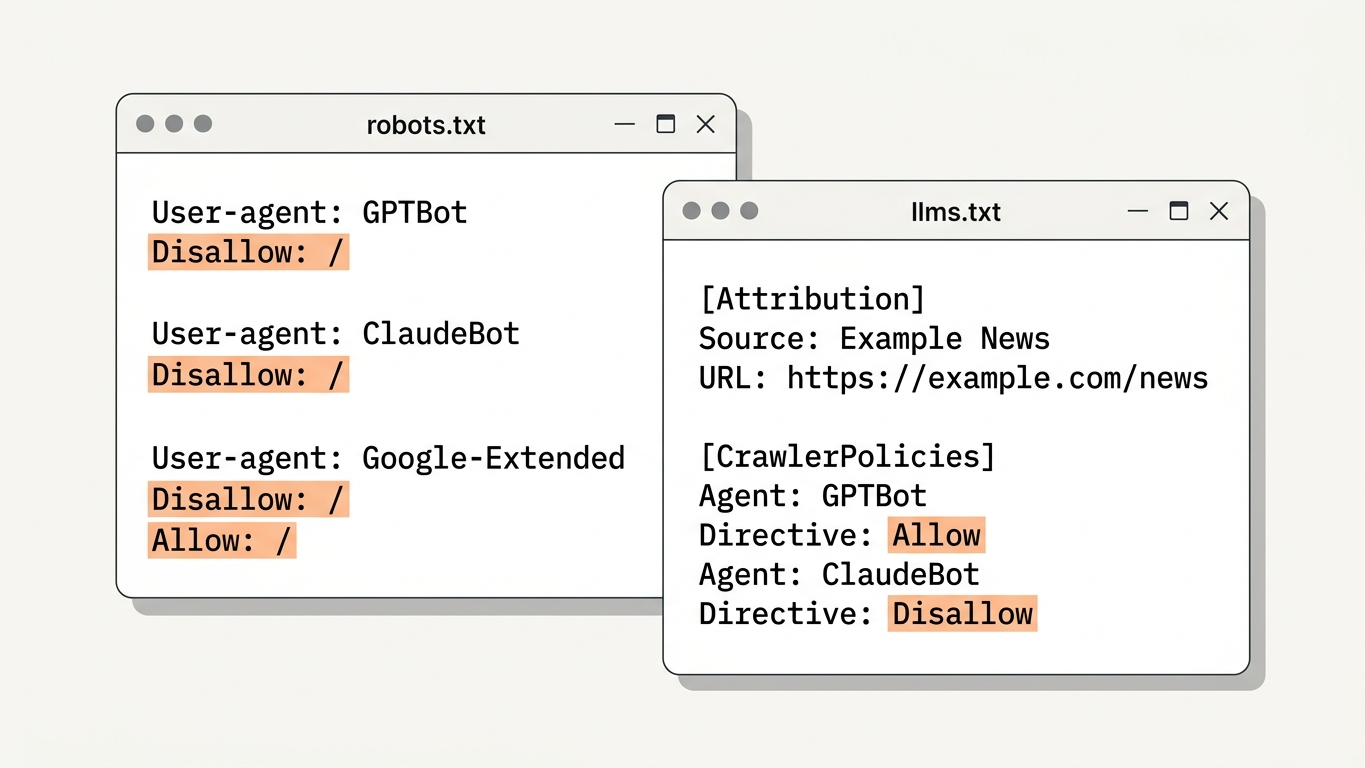
Even with perfect SSR, an incorrectly configured robots.txt can block your content. AI-crawlers respect these instructions. Check that GPTBot, ClaudeBot and PerplexityBot are not accidentally being blocked.
Additionally, a llms.txt file is now an essential part of your technical GEO setup. This file explicitly tells AI models which content is relevant and how your organization should be described. GrowthScope automatically generates an llms.txt template based on your domain.
3. Implement schema markup in the server response
Schema markup (structured data) is the translation of your website into a language that AI understands. Crucial: this markup must be present in the initial HTML response, not only after JavaScript execution. Embed your JSON-LD schema directly in the server-rendered HTML.
Prioritize these schema types for AI visibility:
- Organization (company information)
- FAQPage (frequently asked questions)
- Article or TechArticle (blog content)
- Product (product pages)
Integrate SSR validation into your development workflow
A one-time fix is not enough. Every new feature, every deployment can cause regression in your server-side rendering. That is why SSR validation belongs in your CI/CD pipeline.
Practical integration into sprints:
- Add a pre-deployment check that validates the HTML output of critical pages
- Include the GEO Readiness Score as a Technical Health KPI in your monthly sprint review
- Plan a quarterly audit to test new content for AI crawlability
The GrowthScope In-Depth Scan analyzes 25 industry-relevant queries and shows exactly how your content performs on ChatGPT, Perplexity, Google AI Overviews and Claude. This way you monitor whether your technical adjustments actually result in AI visibility.
Your next step: from invisible to citable
Server-side rendering is the foundation. Without that foundation, all your content efforts are invisible to AI engines.
The fix is technically clear. The impact is directly measurable.
Start with validation. Inspect your server response, correct the rendering method and configure your llms.txt and robots.txt. Then measure the result with a GEO audit that quantifies your score from 0 to 100.
Want to know today if AI-crawlers can see your content? Start your Quickscan and receive your technical GEO status within minutes.